Geist / Interface
Less friction. More making.
Our everyday voice for headings, navigation, and comfortable reading.
Cloud Tools / Brand & assets
The pieces that make our tools feel at home. For your next README, project mention, or introduction to Cloud Tools.
Get the assets01 / The mark
Our cloud mark gives everyday file work a familiar home. Keep its original colors and proportions, with plenty of space around it.
 smeltery / cloud tools
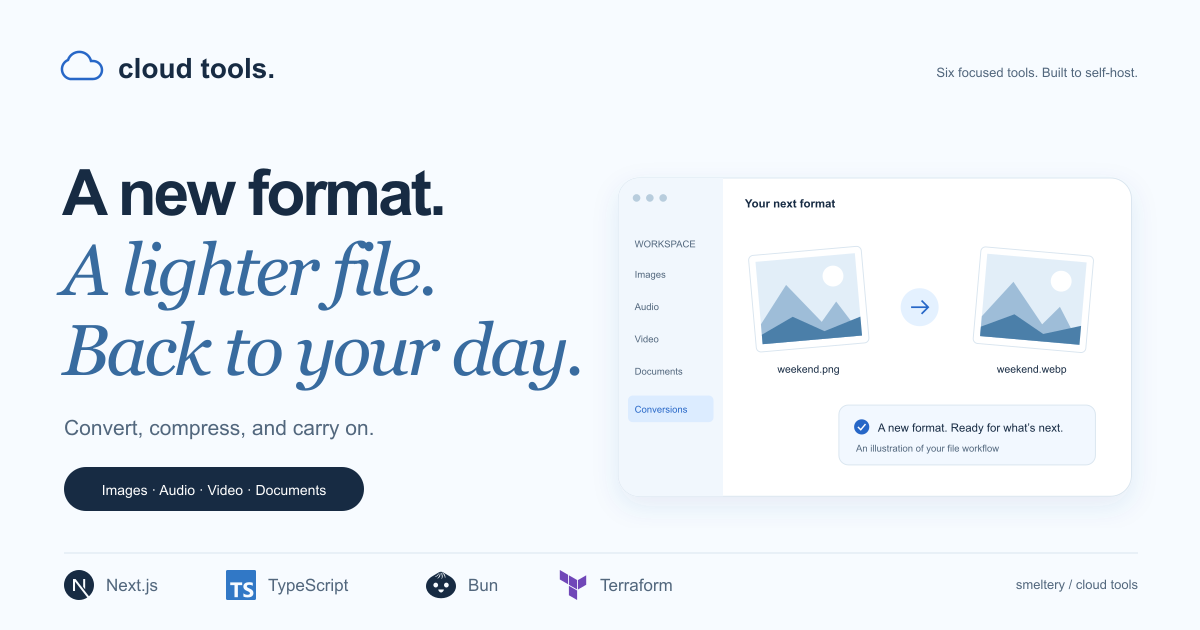
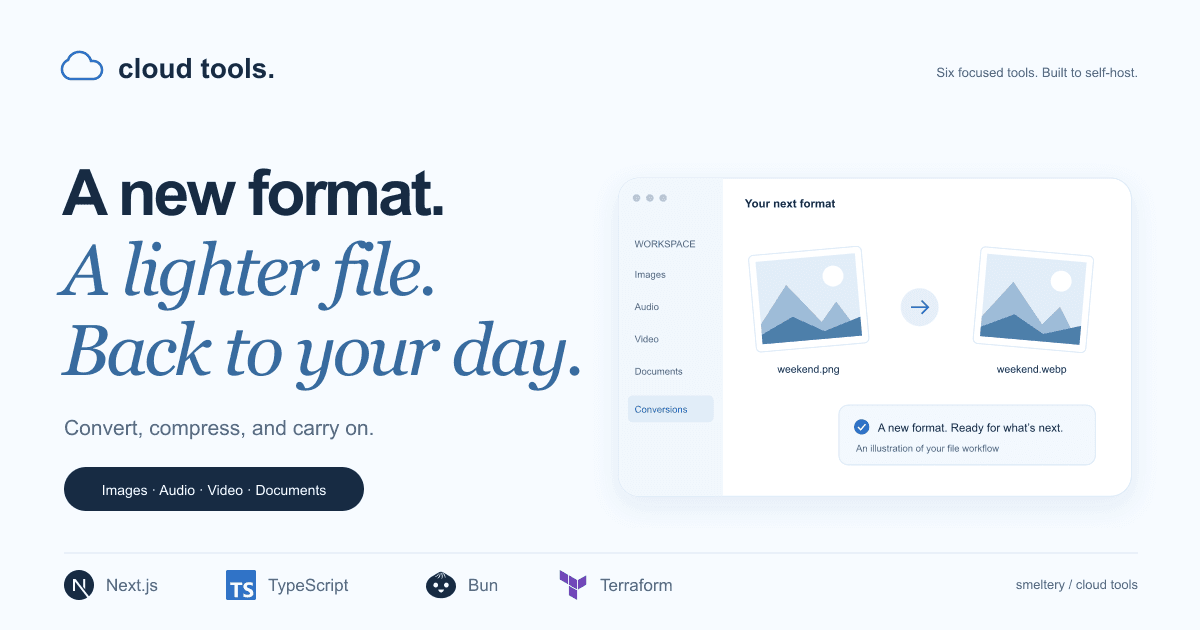
02 / The first impression
Our social preview brings the toolbox together in one image. Use the original PNG for link previews and project introductions.
03 / Color
Paper, ink, and a touch of blue. Keep text dark on light surfaces and use white for text on ink or blue. Select a color to copy its hex value.
A light canvas for the work ahead.
Clear words and confident actions.
A familiar accent for a little direction.
A welcoming home for related ideas.
A fresh surface for useful things.
04 / Typography
Geist / Interface
Less friction. More making.
Our everyday voice for headings, navigation, and comfortable reading.
Georgia / Emphasis
With room to breathe.
A softer accent for a few well-chosen words.
System monospace / Code
bun run dev
Commands and technical details, set clearly.
05 / The toolkit
Download the original files, individually. Use them to identify Cloud Tools and link back to the project.
SVG · original colors · scalable
PNG · 1200 × 630
SVG · scalable
Use “Cloud Tools” in prose and keep the mark intact. Leave clear space around it, avoid stretching or recoloring, and choose a simple background. These assets identify the project; they don’t imply endorsement.